Dashboards
A good dashboard answers the first question in one glance, then lets people dig in. Lead with a few numbers that matter, put trends next to them, and keep detail in tables below.
npx shadcn@latest add https://ui.tealmac.com/r/sparkline.json https://ui.tealmac.com/r/empty-state.json https://ui.tealmac.com/r/chart-area-interactive.jsonPro flagship
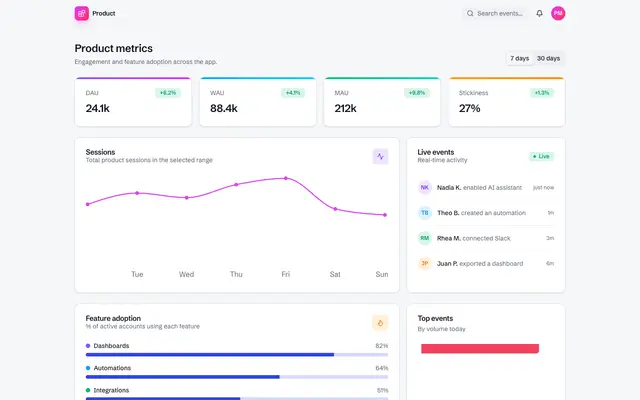
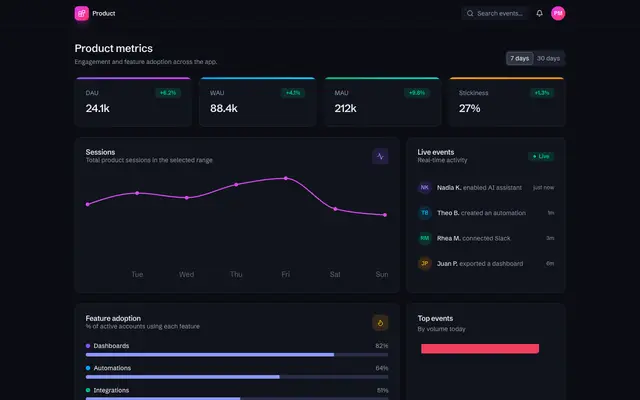
ProA finished product-analytics dashboard with KPI cards, trends, breakdowns and filters, ready for your data.
Components
Free, MIT licensed, one install each.
Sparkline
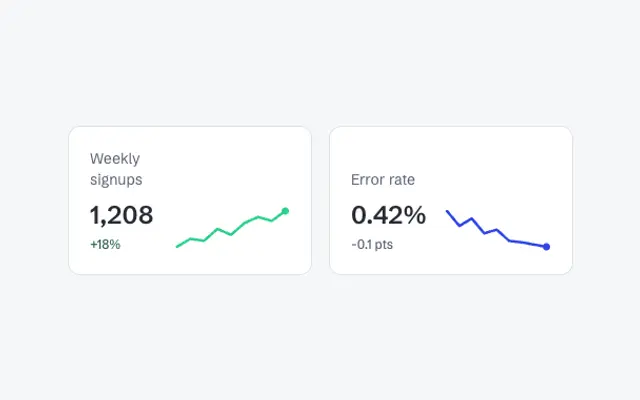
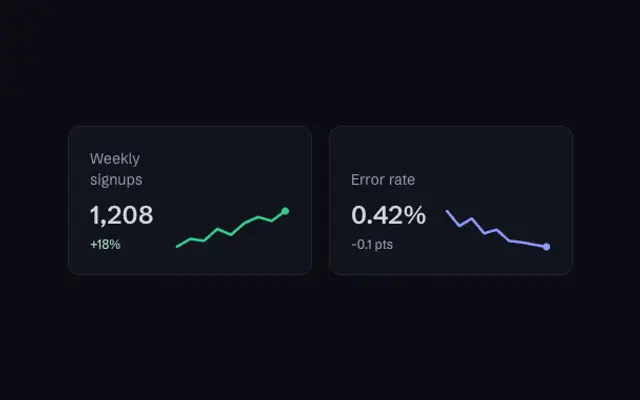
ComponentFreeA small SVG line chart of a numeric series with an optional dot on the last value.
Empty State
ComponentFreeA centered placeholder for screens with no content yet.
Area, interactive
ChartFreeNinety days of data with a range picker for 7, 30 or 90 days.
Bar, stacked
ChartFreeStacked columns with a legend.
Line, two series
ChartFreeThis year against last year, with a dashed comparison line.
Donut with total
ChartFreeA donut with the total written in the centre.
Radial progress
ChartFreeA single progress ring with the percentage in the middle.


Blocks
Whole sections, composed from the components.
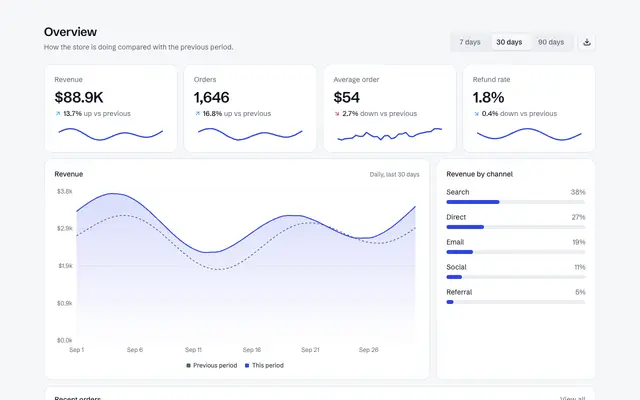
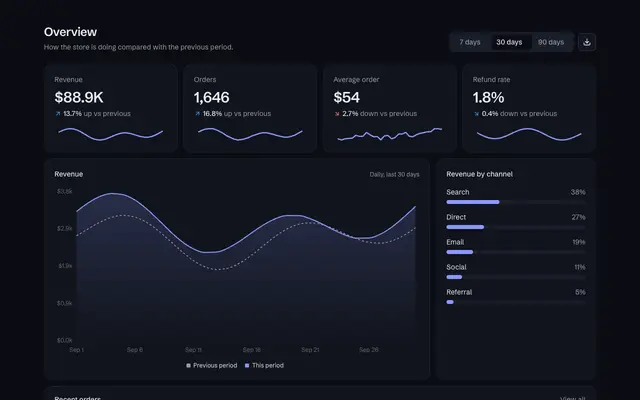
Sales overview dashboard
BlockFreeA sales dashboard with a date-range switch that recomputes everything, KPI cards with trends, revenue against the previous period, channels and recent orders.
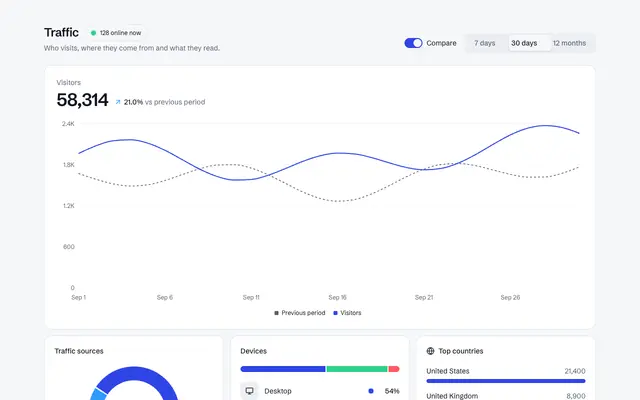
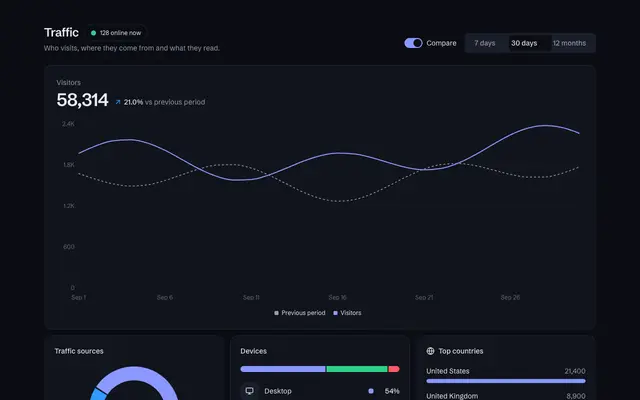
Traffic analytics dashboard
BlockFreeA web analytics page with a live-now pill, date range and compare switch, visitors against the previous period, a sources donut, devices, countries and top pages.
KPI row
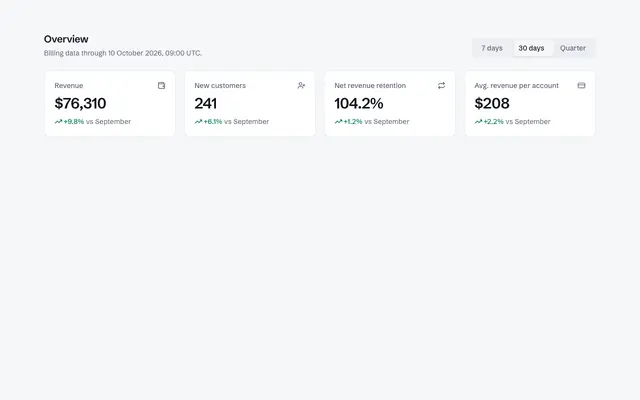
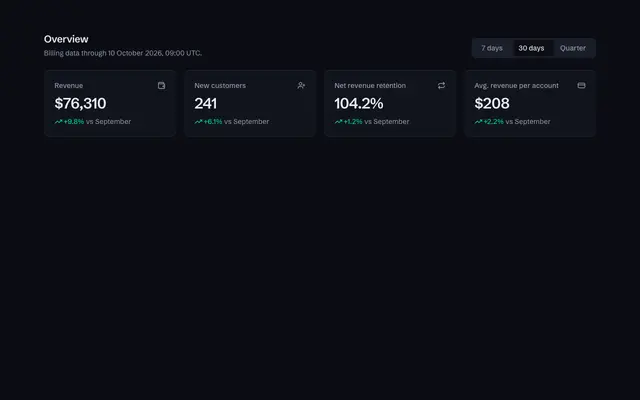
BlockProFour headline metrics with animated values, trends and a period switcher.
Revenue chart card
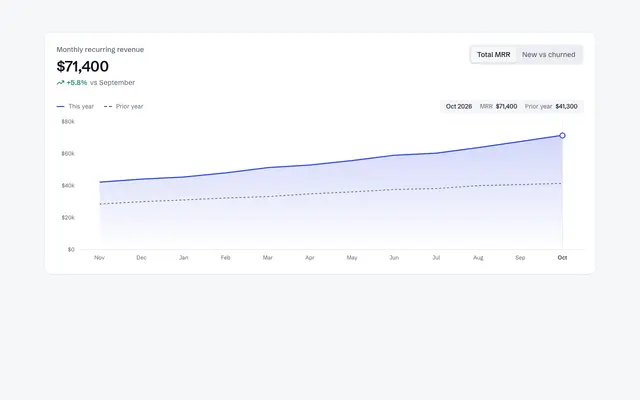
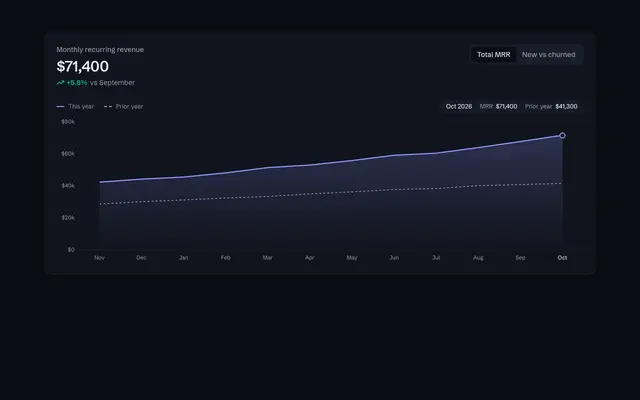
BlockProMonthly recurring revenue as an area chart with a prior-year line, switchable to a new versus churned bar view.
App shell with command menu
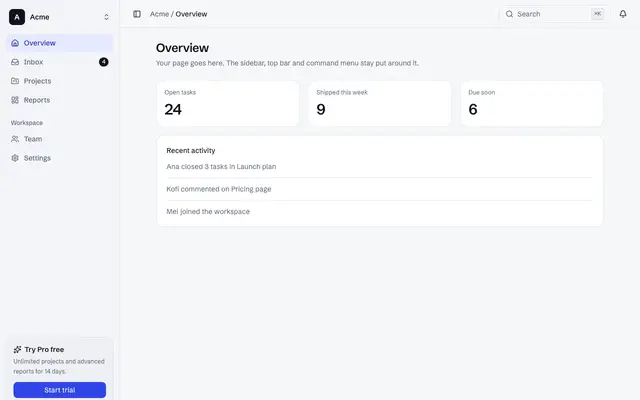
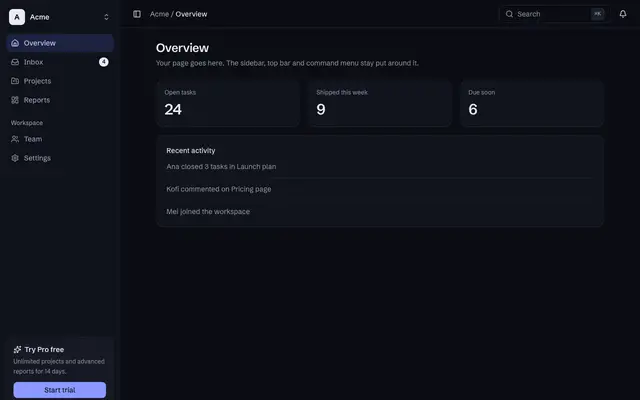
BlockFreeA product frame with a workspace switcher, grouped navigation that collapses to an icon rail, a top bar with search and a command menu, and a phone drawer.
Invoices list with filters
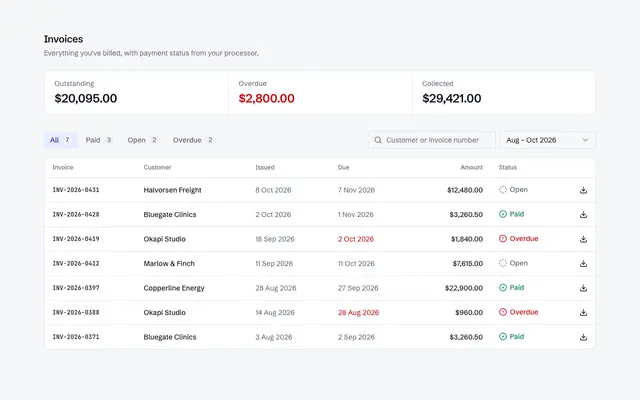
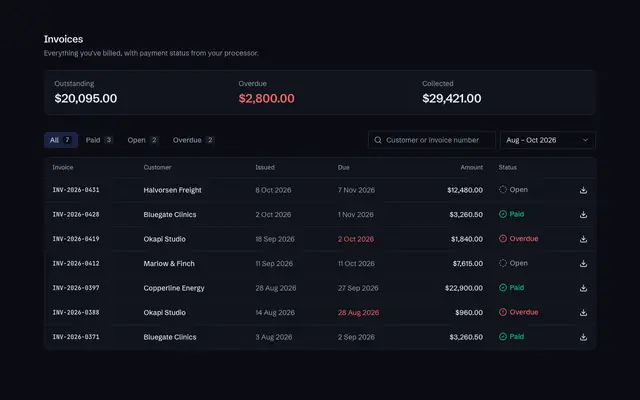
BlockProAn invoice table with status filters, search, a date range select, totals and an empty state when nothing matches.
Templates
Complete pages to start from.
Analytics dashboard
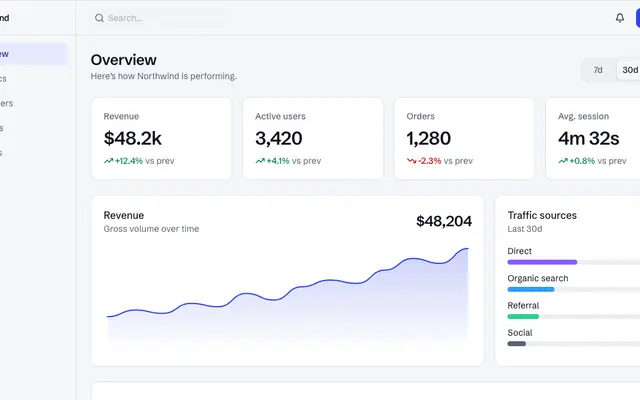
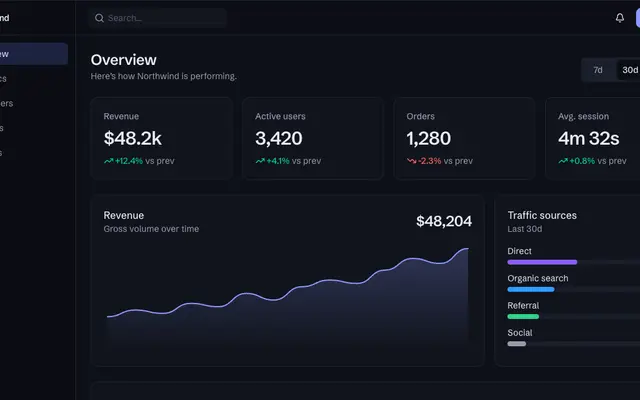
TemplateProA responsive admin dashboard with KPIs, a revenue chart, and a transactions table.
Insights
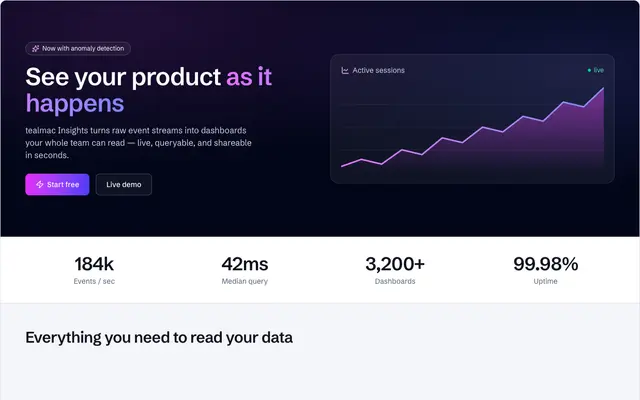
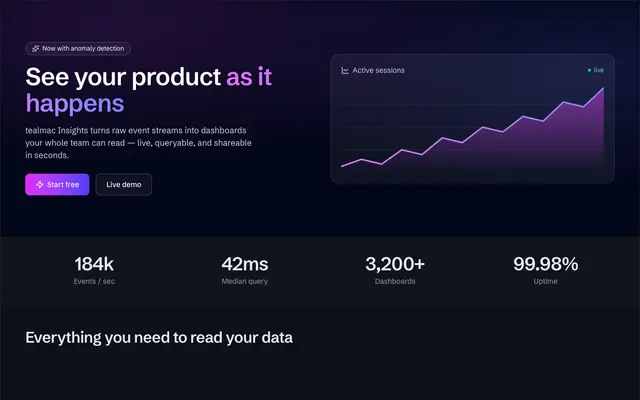
TemplateProAn analytics product landing with a live area chart, counting-up metrics, a feature bento, and a trust strip.
Pulse analytics
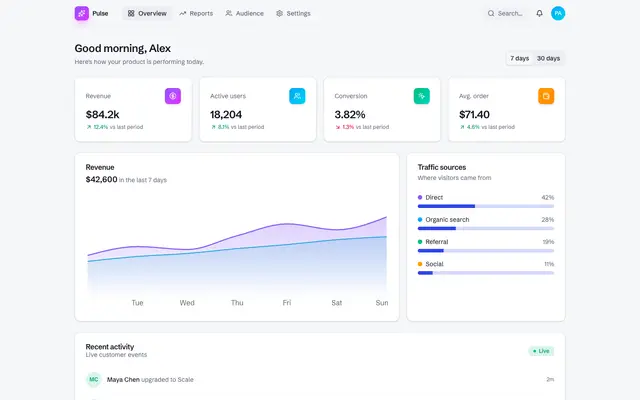
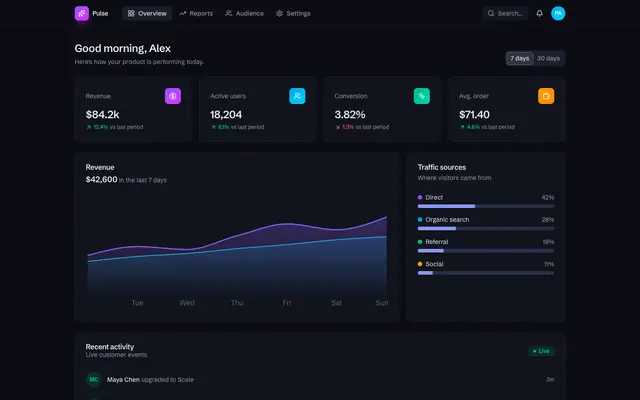
TemplateProA vivid single-page analytics console with gradient KPI cards, a revenue area chart, a live traffic breakdown, and a recent-activity feed — a modern, colourful 2026 admin surface built from tealmac UI components.
Revenue radar
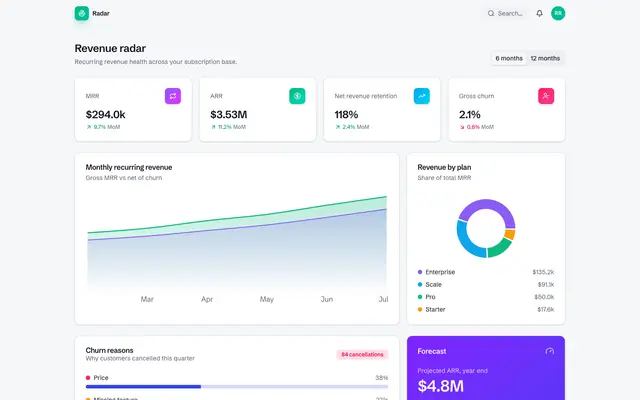
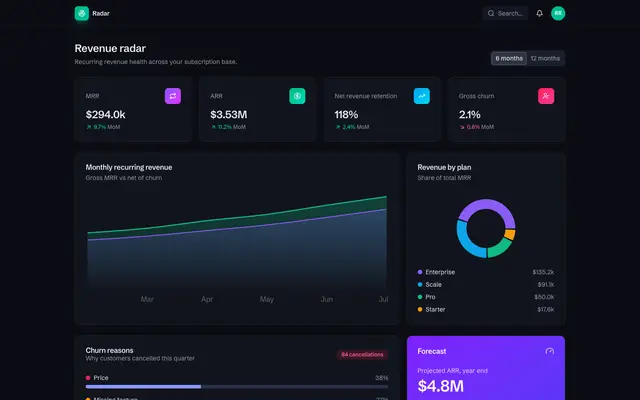
TemplateProA colourful 2026 Application UI built from tealmac UI components: MRR/ARR KPIs, a revenue area chart, a plan-mix breakdown, and churn tracking for SaaS finance teams.
Guidance
Numbers before charts
Put three to five KPIs at the top with their change. A chart explains a number; it should not replace it.
Design every state
Show a skeleton while data loads, an empty state with a next step, and an error with a retry. Use Skeleton and Empty from components/ui.
Colours from the theme
Charts read --chart-1 to --chart-5, so a theme change recolours every series. Don't hard-code hex values.