Sign-in and settings
Auth and settings screens are where people type the most, so labels, errors and keyboard flow matter more than decoration. Keep forms short, validate as people go, and say exactly what went wrong.
npx shadcn@latest add https://ui.tealmac.com/r/password-input.json https://ui.tealmac.com/r/field.json https://ui.tealmac.com/r/onboarding-checklist.jsonPro flagship
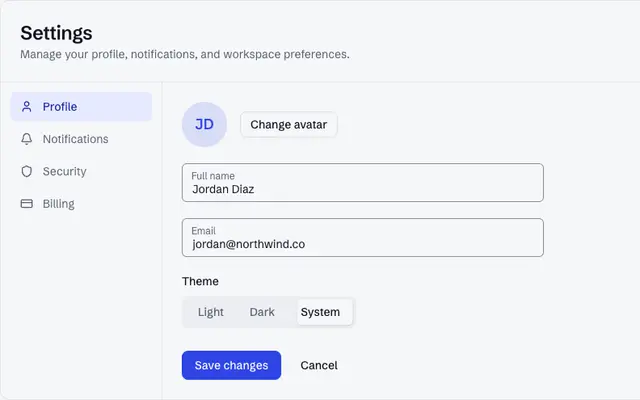
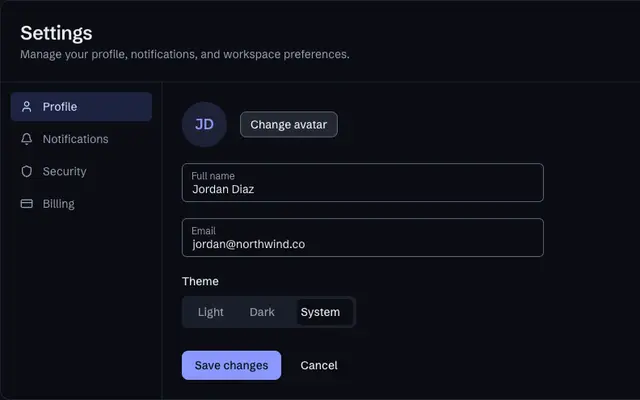
ProA complete settings and account area: profile, security, notifications, billing and danger zone, with every state designed.
Components
Free, MIT licensed, one install each.
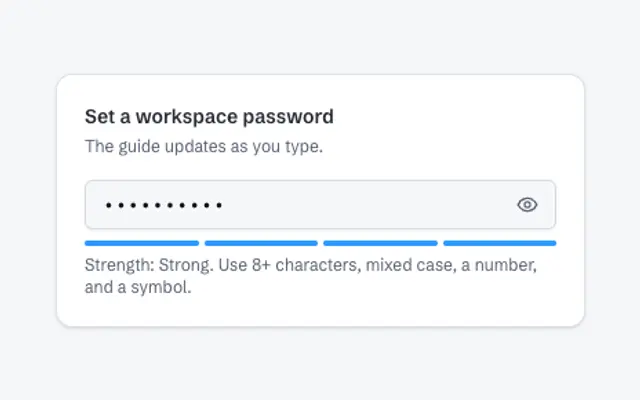
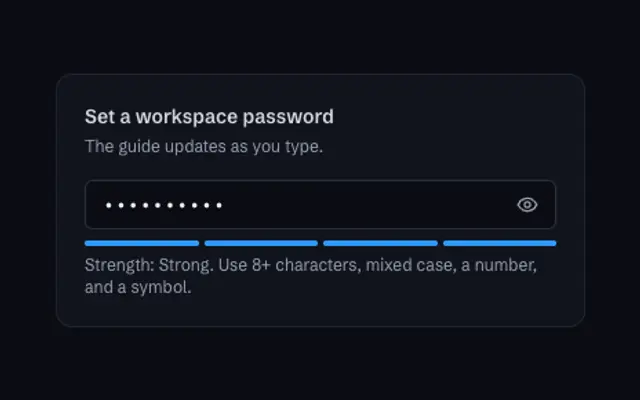
Password Input
ComponentFreeA password field with a visibility toggle and a four-step strength guide that explains how to improve the entry.
Field
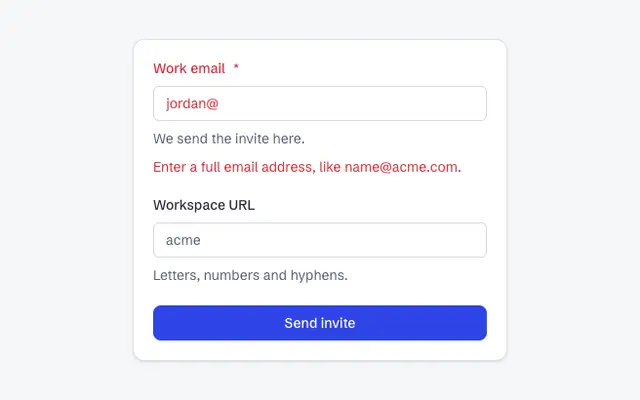
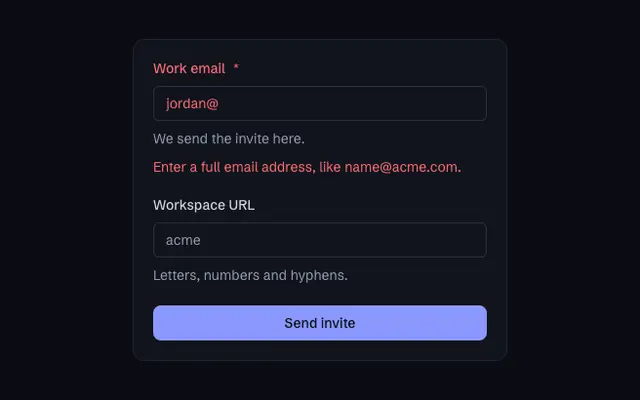
ComponentFreeForm field layout with label, description and error that wire their ids to the control automatically, plus fieldset, legend, orientation and invalid/disabled state.
Onboarding Checklist
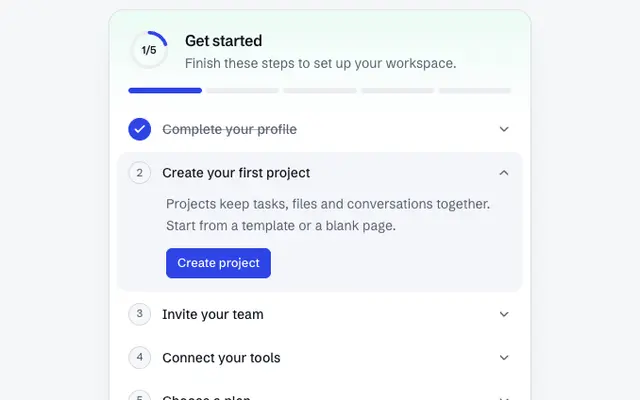
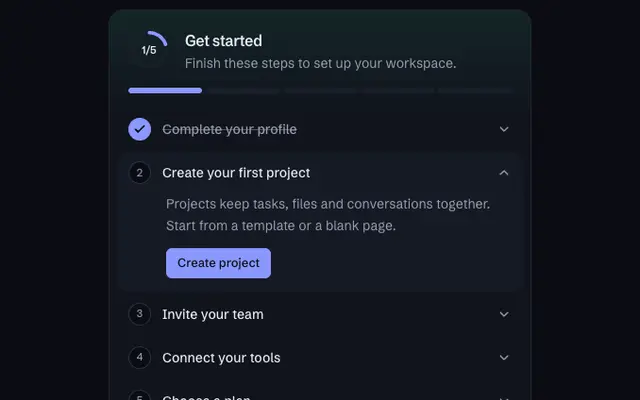
ComponentFreeA getting started checklist with a progress ring, a segmented progress bar, expandable steps with an action button and a completion state.
Blocks
Whole sections, composed from the components.
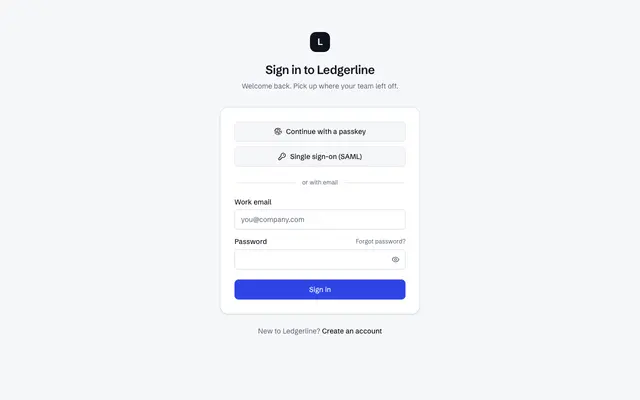
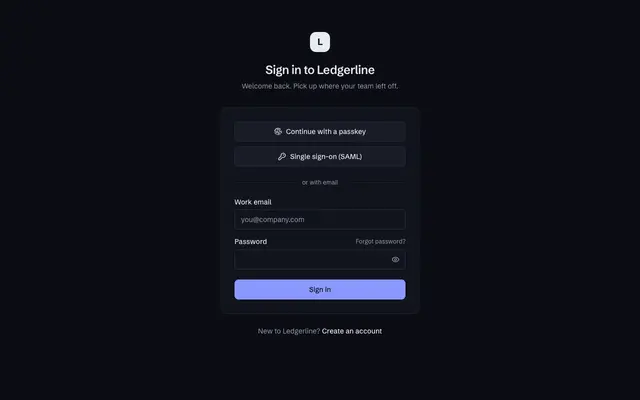
Sign-in card
BlockProA centered sign-in card with passkey and single sign-on options above an email and password form.
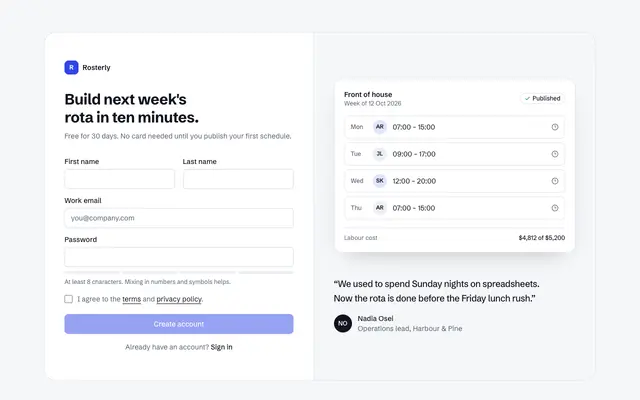
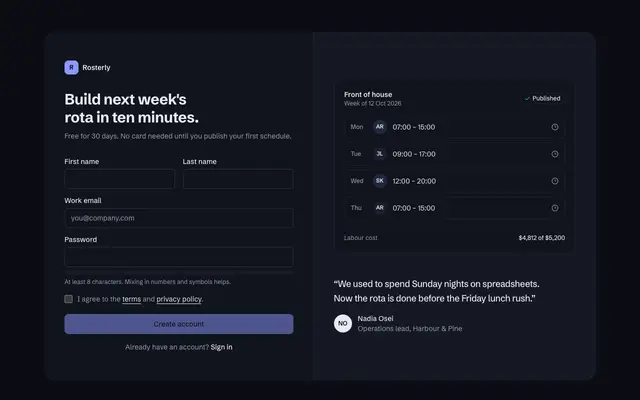
Split sign-up with product panel
BlockProA sign-up form with password strength feedback beside a panel previewing the product and a customer quote.
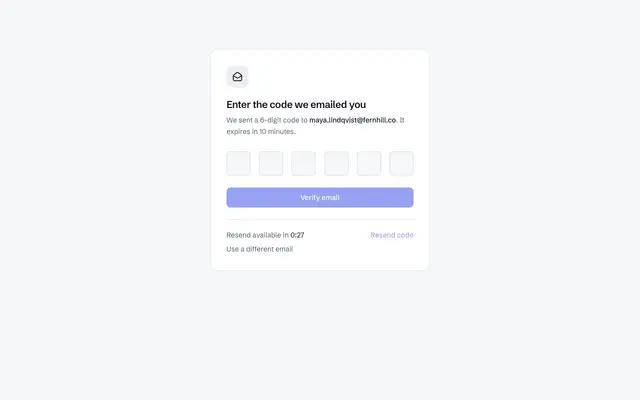
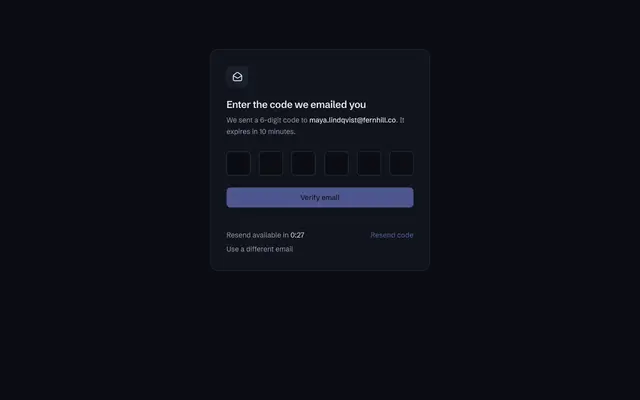
One-time code verification
BlockProA verification step with a six-digit code input, a resend countdown and a confirmed state.
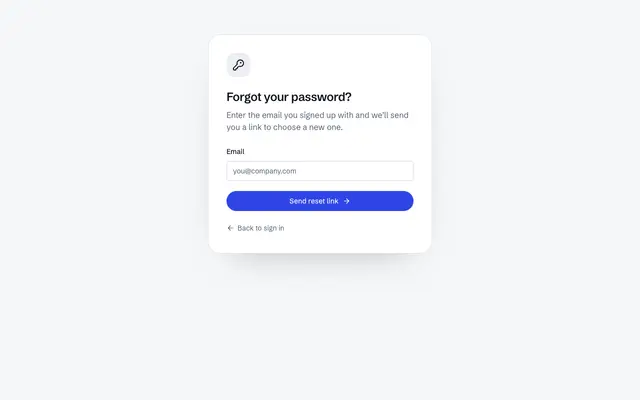
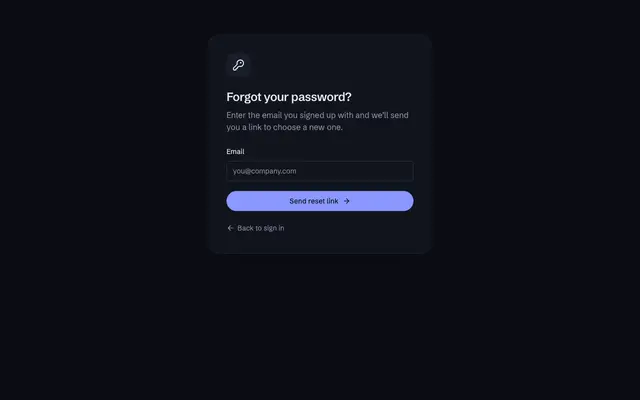
Forgot password flow
BlockFreeThe whole password recovery flow in one card: request a link, check your email with a resend countdown, choose a new password, and a success screen.
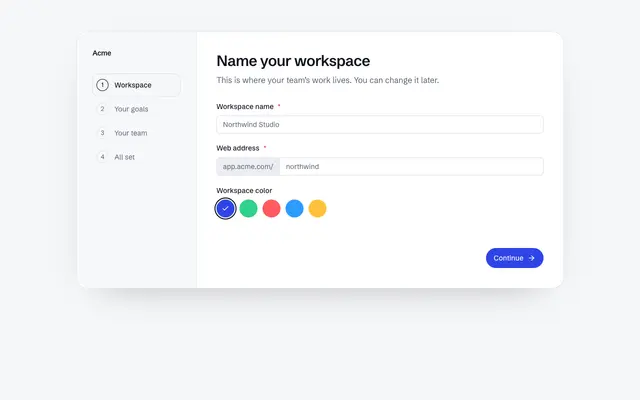
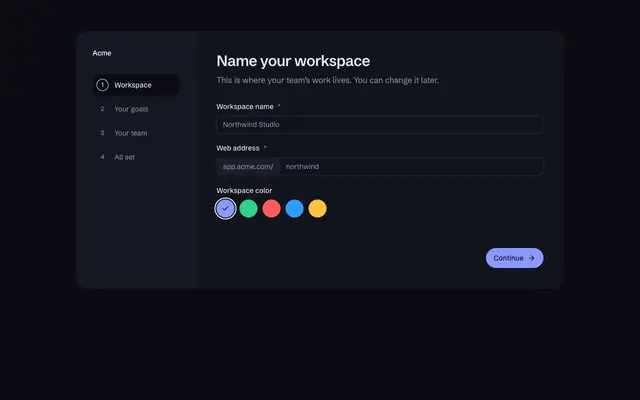
Workspace setup wizard
BlockFreeA four-step setup wizard with a progress rail: name a workspace, pick goals as cards, invite teammates as removable chips, review, then a finish screen.
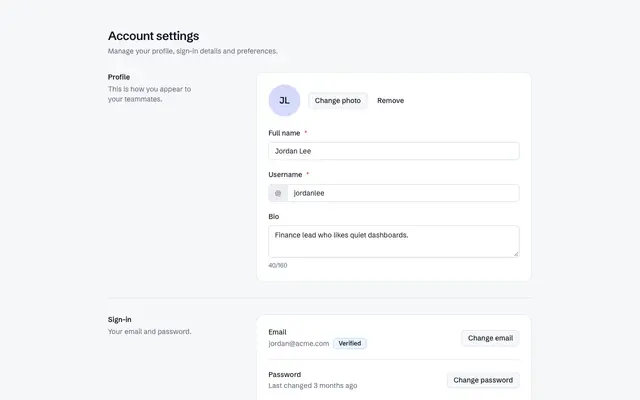
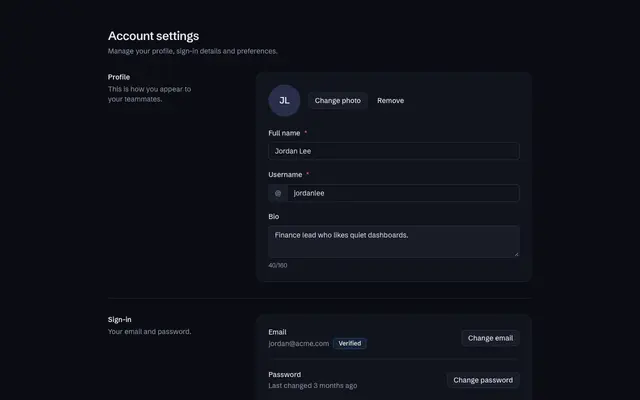
Account settings
BlockFreeProfile with username availability, sign-in details with a change-password dialog, preferences, a type-to-confirm delete and a save bar that appears on change.
Notification preferences
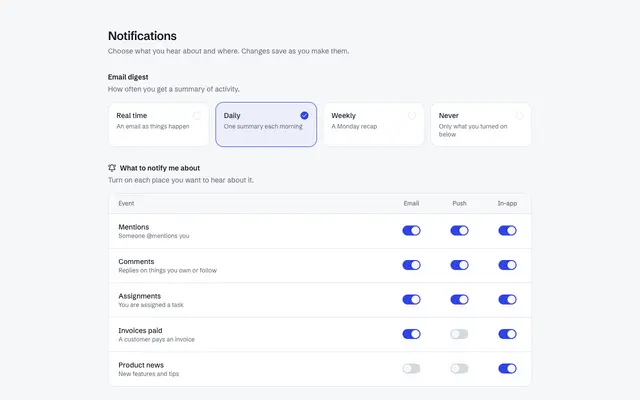
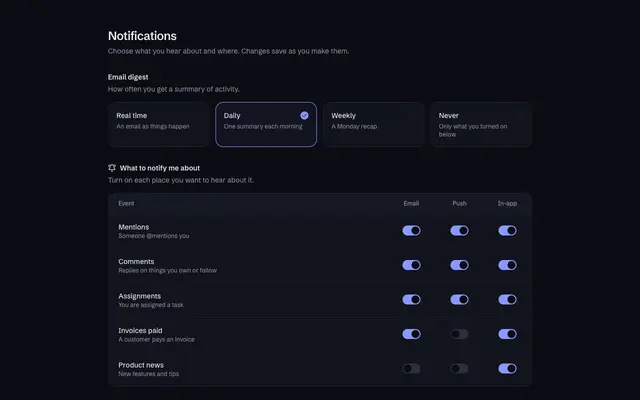
BlockFreeSettings that save as you go: digest frequency as radio cards, a switch grid for each event and channel, and quiet hours with times and weekdays.
Team members and roles
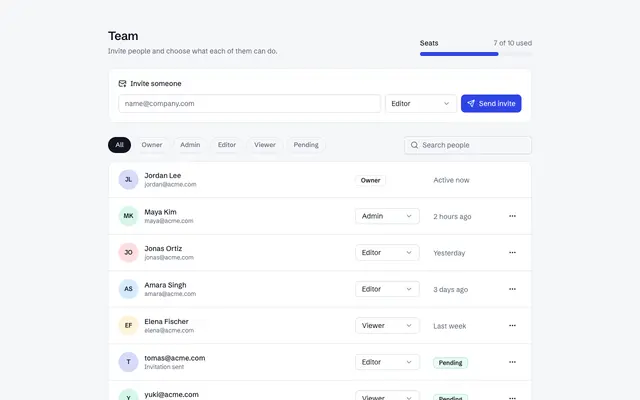
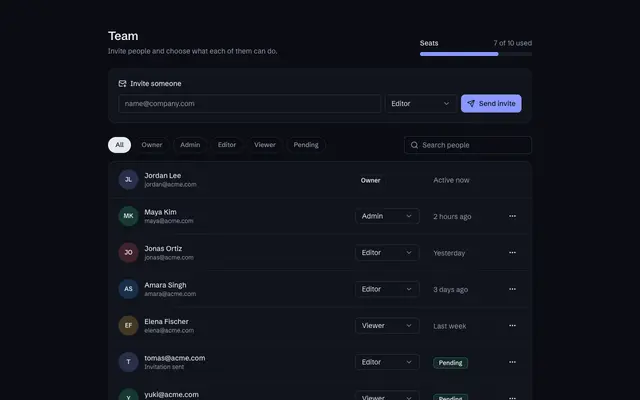
BlockFreeA seats meter, an invite form with role, role filters and search, a member list with role selects, pending invitations and a confirm-before-remove dialog.
Templates
Complete pages to start from.
Sign in and sign up
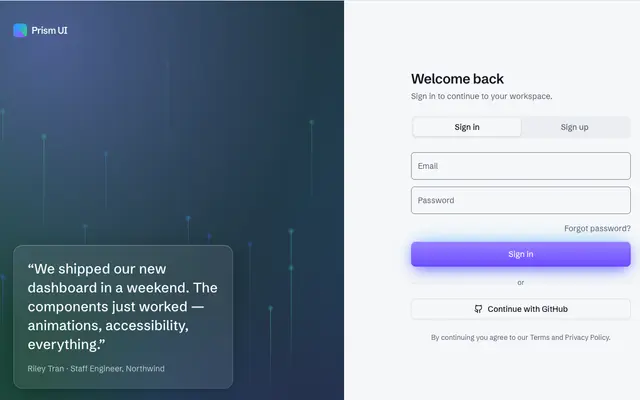
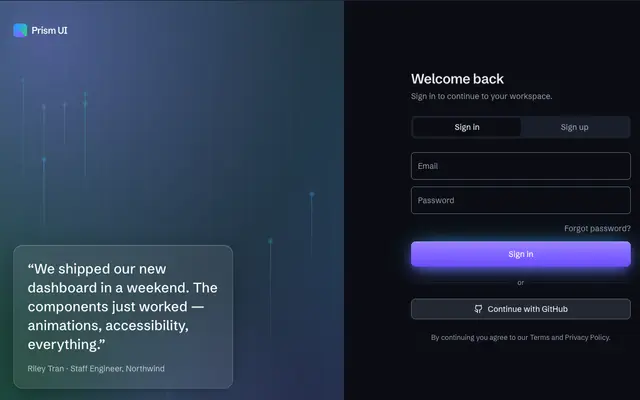
TemplateProA split-screen authentication screen with a branded panel and OAuth.
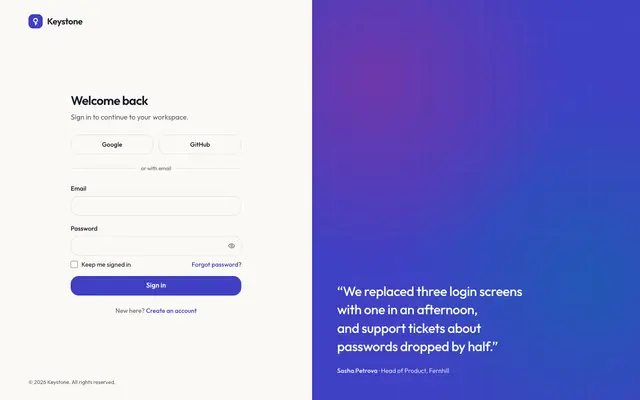
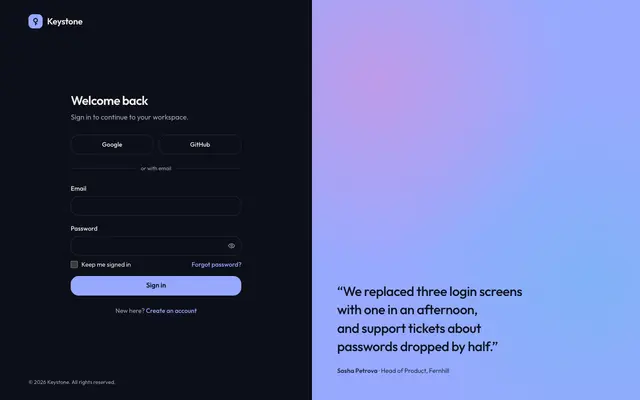
Keystone auth kit
TemplateFreeA complete sign-in flow in eight pages: sign in, sign up with a live password checklist, six-digit email verification, forgot and reset password, a team invite and three-step onboarding, plus a page to compare the centered, split and frosted-glass layouts.
Settings and account
TemplateProA settings page with a sub-nav, profile form, and notification toggles.
Onboarding
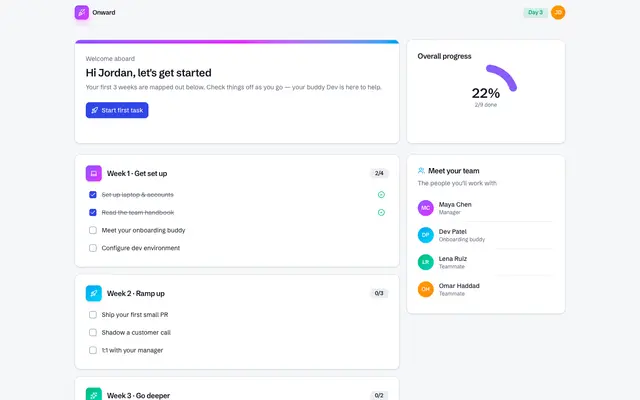
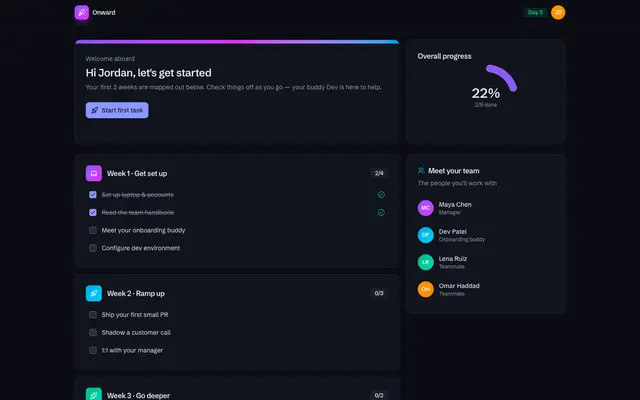
TemplateProA colourful single-page new-hire onboarding flow with a welcome card, an interactive checklist grouped by week, overall progress ring, and a meet-the-team panel — a vivid, modern 2026 Application UI built from tealmac UI components.
Guidance
Label every field
Placeholders disappear as people type. Use a visible label, and connect hints and errors to the input so screen readers announce them.
Let password managers help
Use the right autocomplete values (email, current-password, new-password, one-time-code) and don't block paste.
Save feedback that is seen
Confirm a saved setting where the change happened, and announce it politely for screen readers.